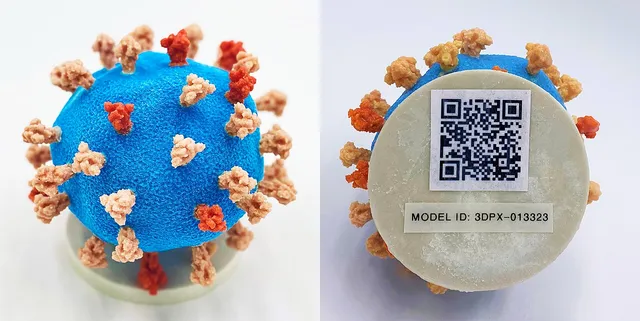
Design & printing
How to 3D print a QR code that actually scans
Get strong contrast with a two-colour filament swap, size the squares for your nozzle, keep the quiet zone and test a small tile before the full part.
Editors at DPR Software Labs
The LearnQRCode editorial team researches and writes every guide on this site from primary sources: the ISO/IEC 18004 standard, DENSO WAVE (the company that invented the QR code), official Apple, Google, Microsoft and Samsung help pages, and consumer-protection agencies such as the FTC and FBI. Each guide lists its sources and is updated when devices or standards change.
Read how we work in our editorial policy. Contact: diljit@dprsoftwarelabs.com.
Get strong contrast with a two-colour filament swap, size the squares for your nozzle, keep the quiet zone and test a small tile before the full part.
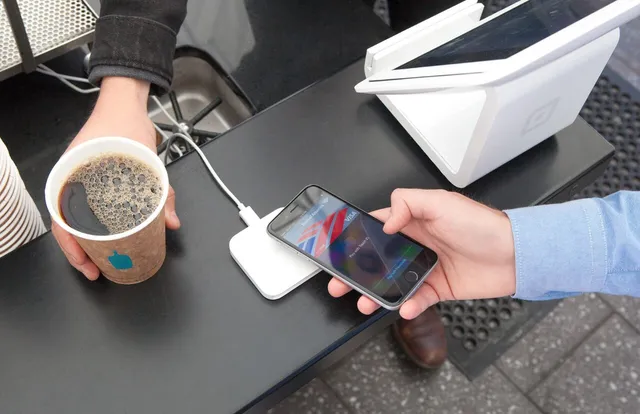
Apple Pay has no personal QR code to share, but you can scan a checkout code on a Mac, PC or non-Safari browser to pay with your iPhone. Here's how.
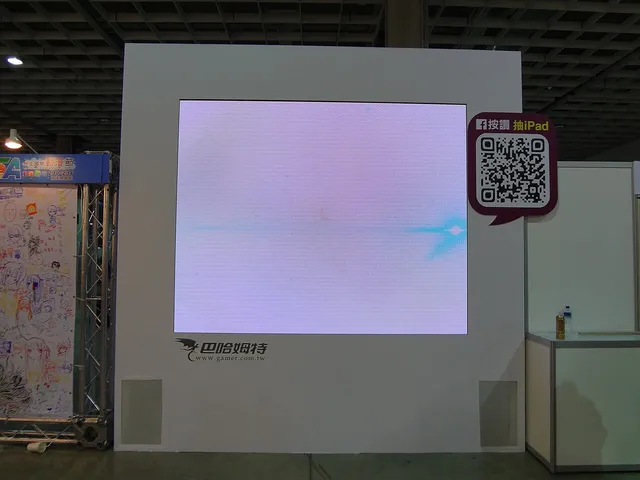
A QR code itself never expires, but the link or service behind it can. Learn why codes stop working, how to tell which kind you have and how to avoid it.
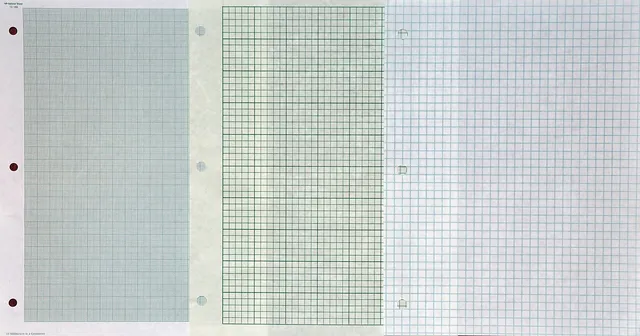
Yes, a hand-drawn QR code can scan. Copy a generated code square by square onto grid paper, keep the quiet zone and contrast, then test it with your phone.
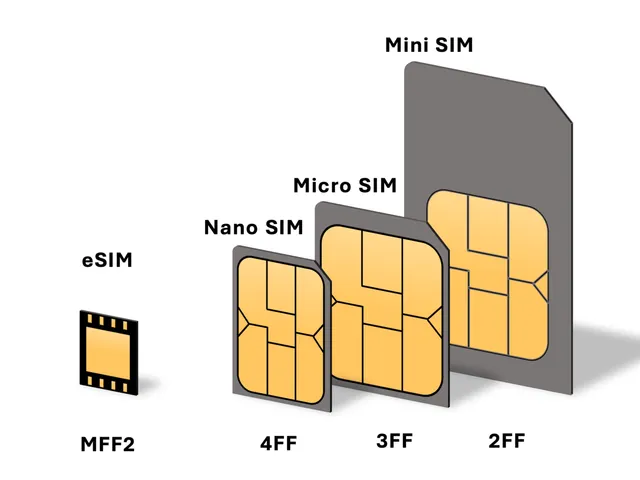
Where your eSIM QR code comes from, how to scan it on iPhone, Pixel and Samsung, what to do if it's in an email on the same phone, and why not to delete it.
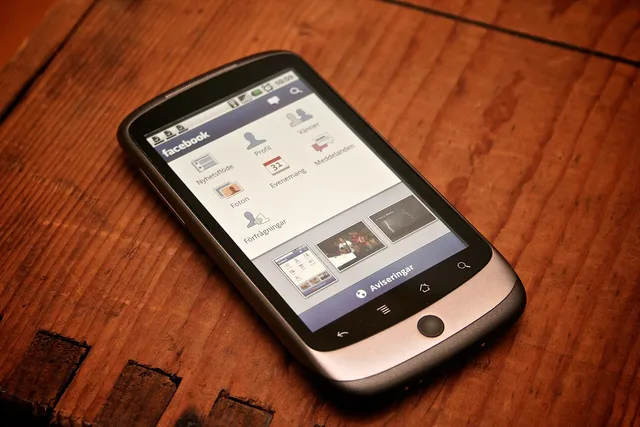
Which Facebook QR codes are built in (groups and Messenger), how to make one for your profile or Page from its web address, and how to scan them safely.
Publish your Google Form, copy the responder link, then turn it into a QR code with Chrome's built-in tool. Includes the settings that stop scans failing.
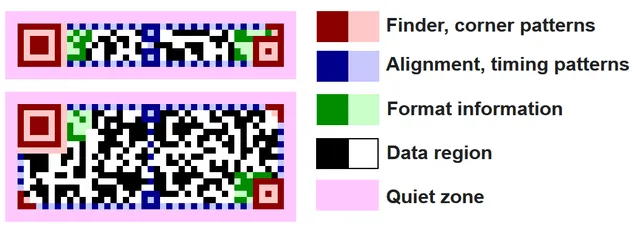
How a QR code stores data and how your phone reads it: finder patterns, versions 1 to 40, error correction levels L, M, Q and H, capacity and the quiet zone.
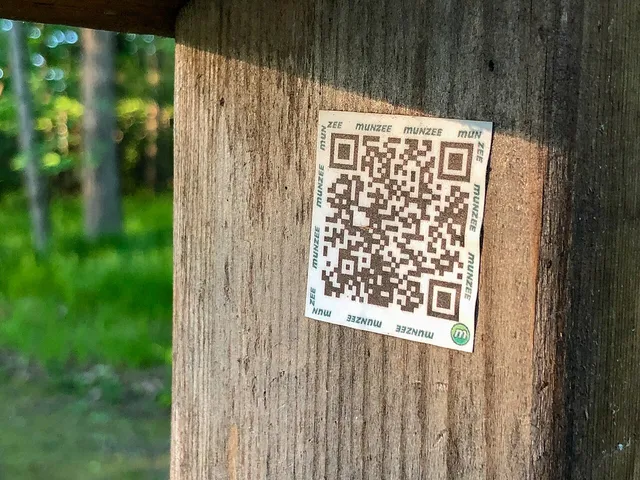
Choose the right file type, size, resolution, paper and finish for printed QR codes, and use our pre-print checklist so a whole run doesn’t go to waste.
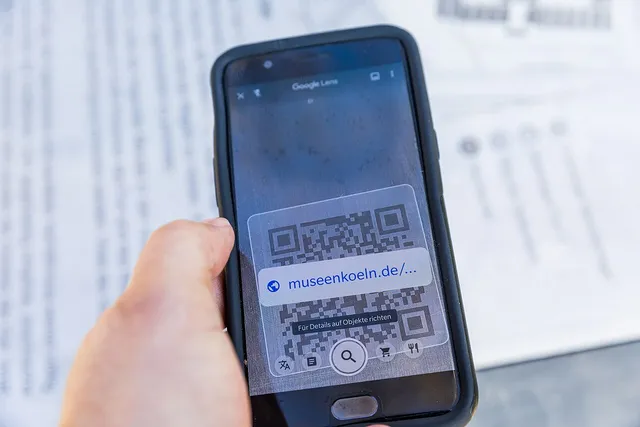
The quickest way to scan a QR code on iPhone, Android, Samsung, Windows, Mac and Chromebook, plus how to read codes in screenshots and fix scan failures.
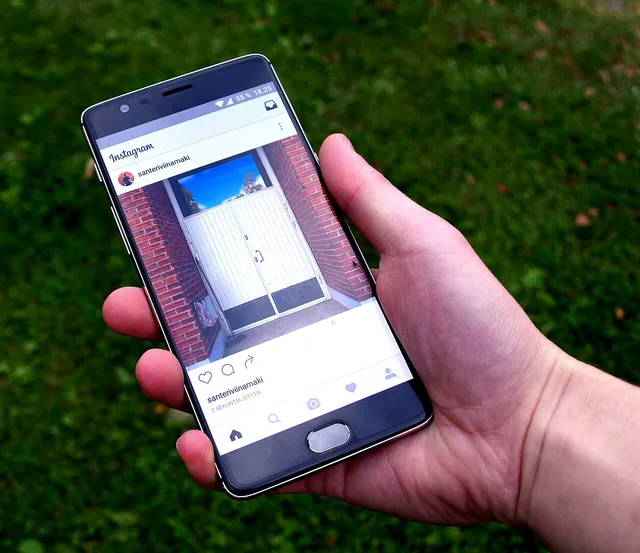
Find your Instagram profile QR code under Share profile, change its colors, and scan someone else’s code in the app or with your phone camera.

Find your LinkedIn QR code from the search bar in the app, share it or save it to your photos, and scan someone else’s code to connect in seconds.
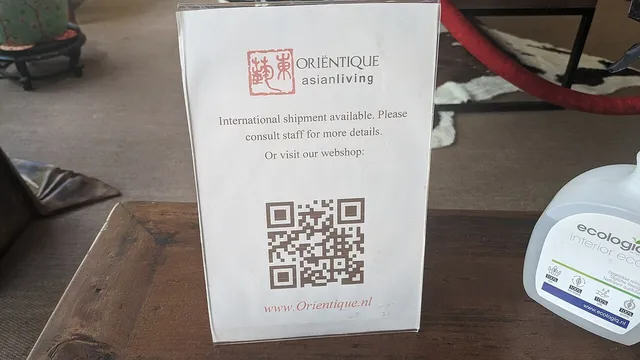
Turn any web link into a QR code using tools already in Chrome or Edge, or any generator, then test it properly before you print or share it.

How PayPal QR codes work: find your personal code, scan to send money, when the Seller QR code (with fees) makes sense, and how to stay safe.
A QR code can't hold a PDF file. Learn how to put the PDF online with a public link, turn that link into a QR code and keep it working when the file changes.
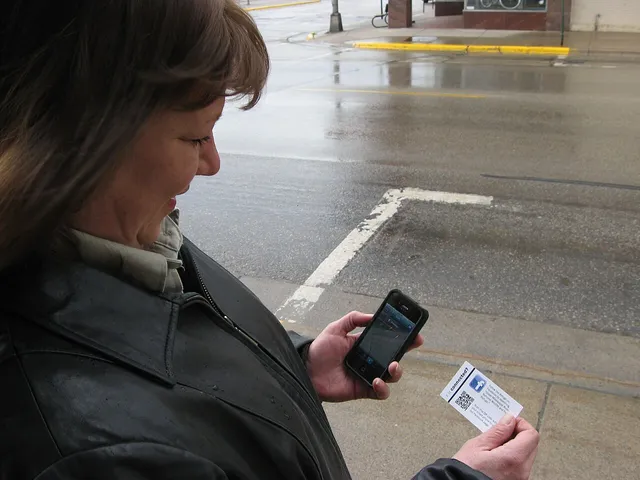
Choose between a contact (vCard) QR code and a link, size it for a 3.5 x 2 in or 85 x 55 mm card, place it well and test it before you order prints.
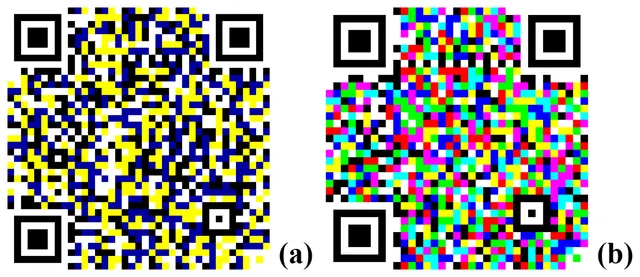
Yes, QR codes can be any color if contrast is strong and the code stays dark on light. Learn the safe color rules, the risks of inverted codes and logos.
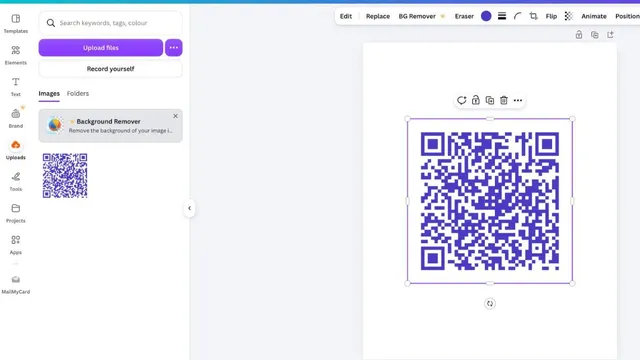
Add an editable, trackable QR code to any Canva design with the QRCodeStack app, or use Canva's own QR tools. Real screenshots of every click.
Word for Windows can draw a QR code itself with the DisplayBarcode field. Here is the exact syntax, useful switches, and the image method for Mac and web.
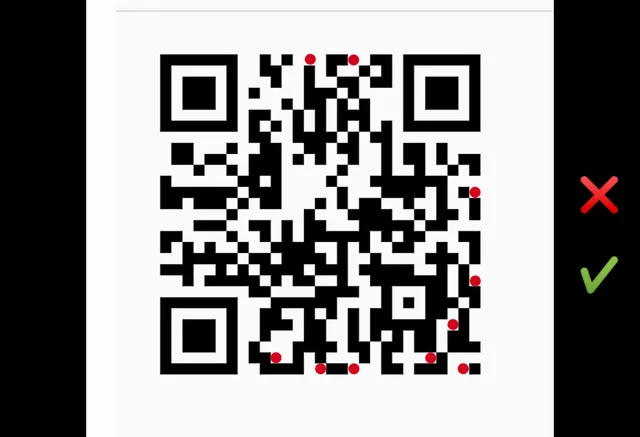
Why your phone won't scan a QR code and how to fix it: camera settings, light, distance, glare, damaged codes and design problems, in a quick checklist.
How QR code scams work, the warning signs the FBI and FTC flag, how to check a code before you open it, and exactly what to do if you scanned a fake one.
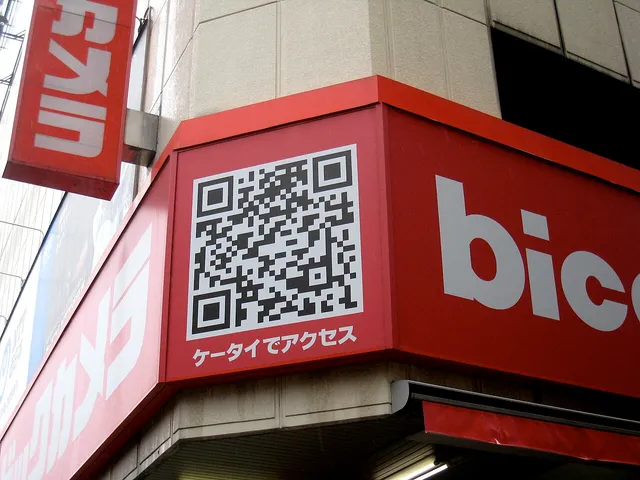
The minimum size for a scannable QR code depends on scanning distance, how much data it holds and print quality. Use these rules of thumb and test.
QR codes and barcodes compared: how much data each holds, how they are scanned, error correction, size and which one to use for products, links or inventory.
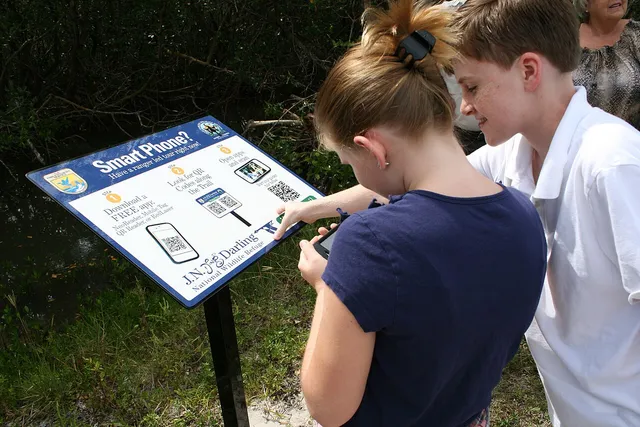
Four built-in ways to scan QR codes on Android: the Camera app, the Quick Settings scanner, Google Lens and Samsung's tools. No extra app required.
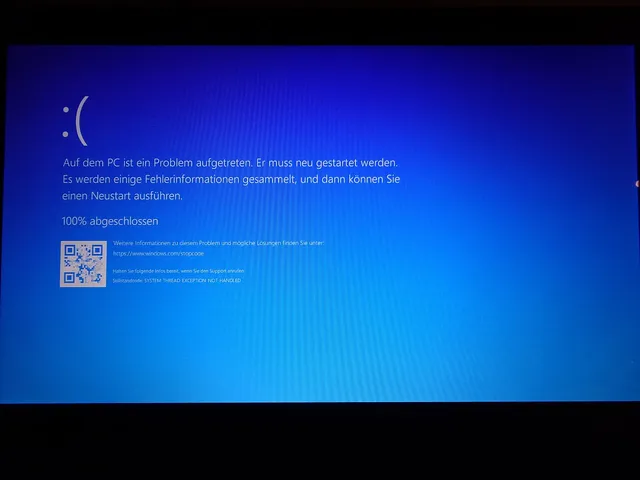
Read a QR code that's already on your phone or computer: step-by-step methods for iPhone, Android, Samsung, Windows, Mac and Chromebook.
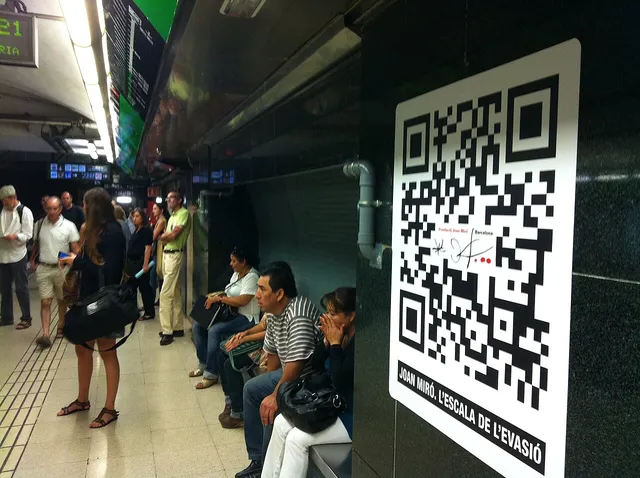
Scan any QR code with your iPhone or iPad camera or the Code Scanner in Control Center, plus how to read a code that's already on your screen.
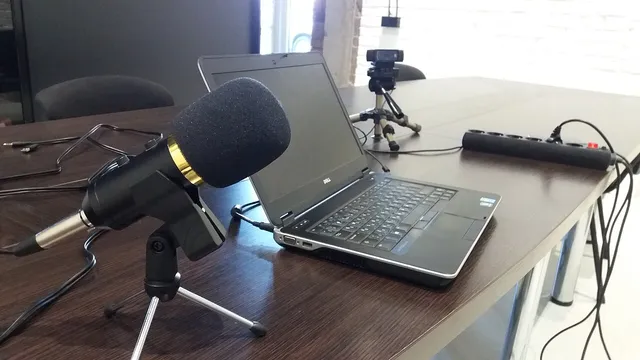
Scan QR codes on Windows, Mac and Chromebook: use your webcam, read a code on your screen with Google Lens, or let your phone do the work.
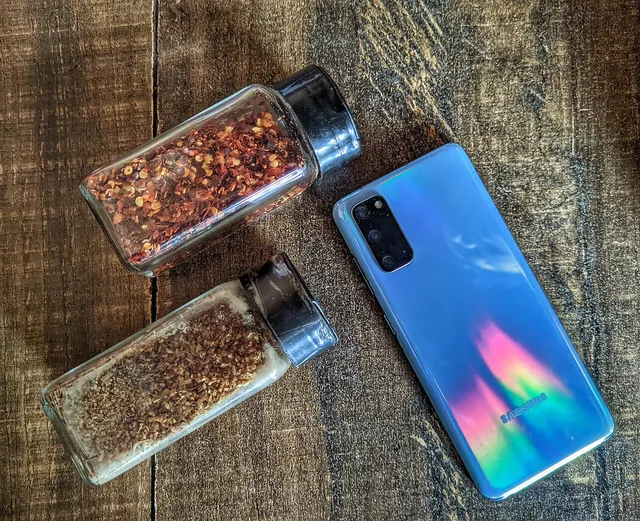
Scan QR codes on any Samsung Galaxy phone or tablet with the Camera app, the Scan QR code tile in Quick settings, or from a photo in Gallery.
Static QR codes store your link directly; dynamic ones store a short redirect link run by a service. Compare cost, editing, tracking, privacy and lock-in risk.
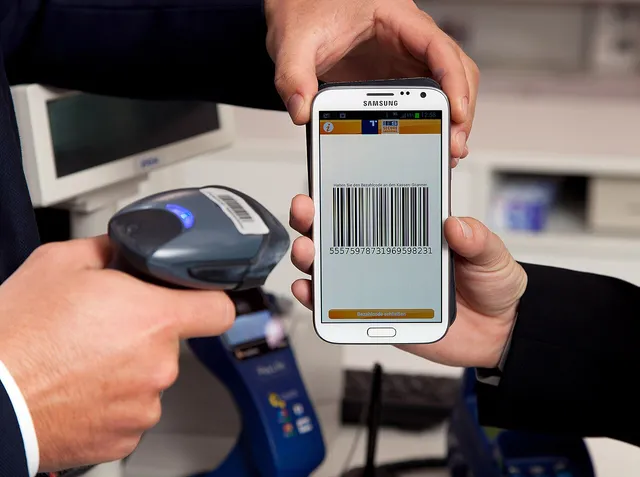
Where to find your Venmo QR code, how to scan someone else's, how business profiles print a high-quality PDF, and what to do on a computer.
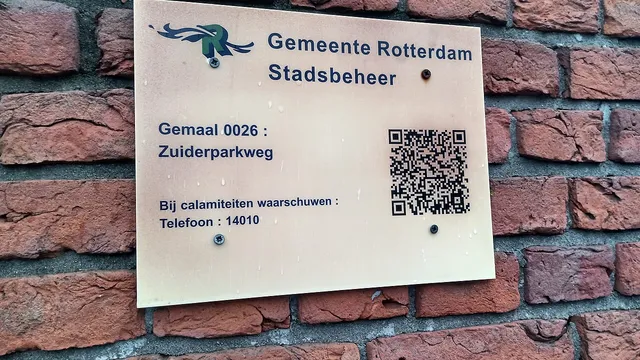
QR stands for quick response. Learn what a QR code is, what it can hold, where it came from and how to use one safely, explained in plain English.
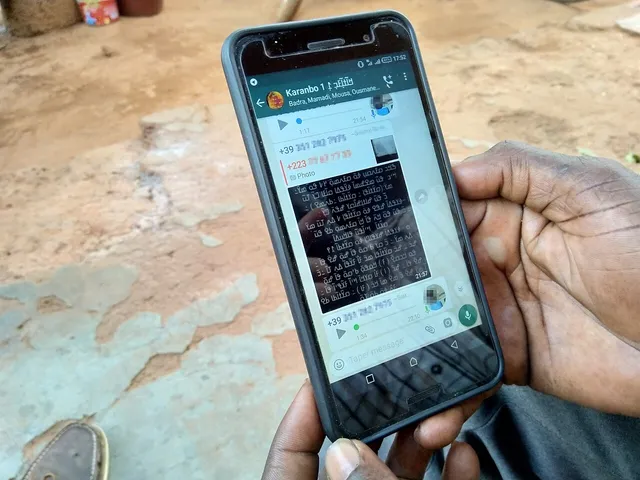
Find and share your WhatsApp contact QR code, scan someone else’s to add them, and link WhatsApp Web or a computer by scanning its QR code.

The QR code was developed by Masahiro Hara’s team at DENSO WAVE and announced in 1994. Here is why it was made, how it was designed and why it is free to use.
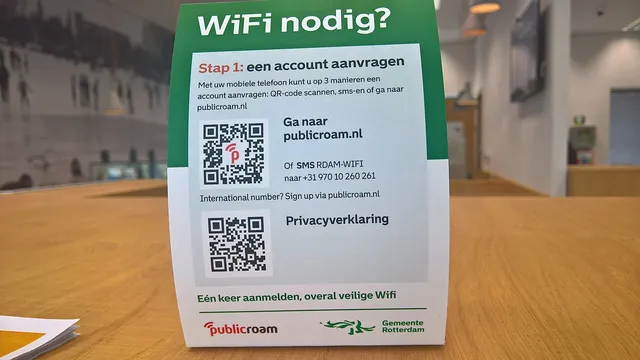
Make a QR code that lets guests join your Wi-Fi without typing the password, using your phone’s built-in sharing or the standard WIFI text format.

Get the built-in QR code for your YouTube channel in the app, make one for any video from its share link, and learn why QR codes appear on YouTube on TVs.