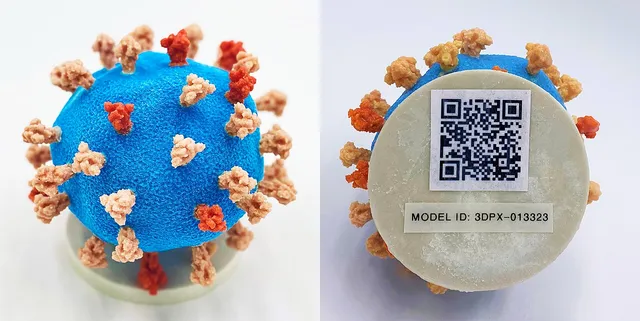
Design & printing
How to 3D print a QR code that actually scans
Get strong contrast with a two-colour filament swap, size the squares for your nozzle, keep the quiet zone and test a small tile before the full part.
Size, colour, contrast and print checks that keep a code scannable.
Get strong contrast with a two-colour filament swap, size the squares for your nozzle, keep the quiet zone and test a small tile before the full part.
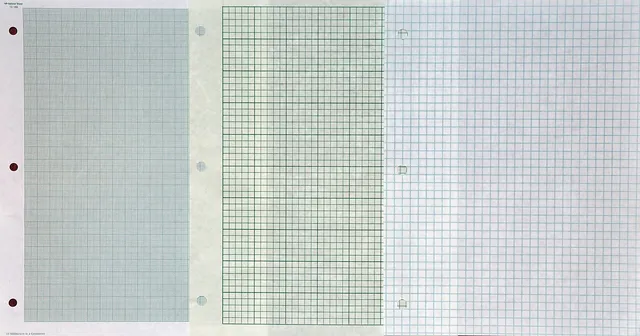
Yes, a hand-drawn QR code can scan. Copy a generated code square by square onto grid paper, keep the quiet zone and contrast, then test it with your phone.
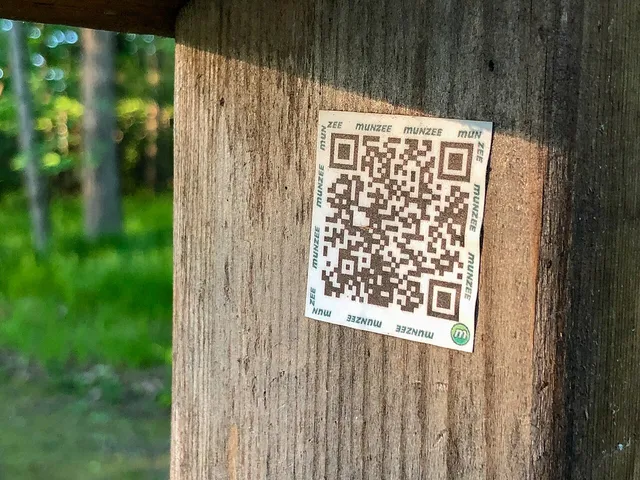
Choose the right file type, size, resolution, paper and finish for printed QR codes, and use our pre-print checklist so a whole run doesn’t go to waste.
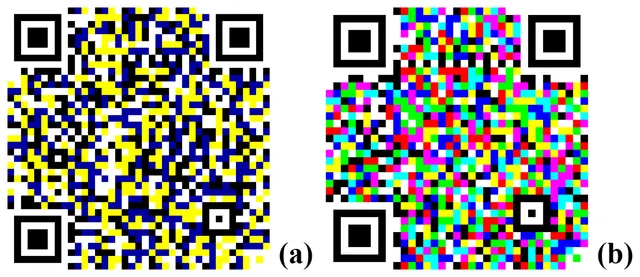
Yes, QR codes can be any color if contrast is strong and the code stays dark on light. Learn the safe color rules, the risks of inverted codes and logos.
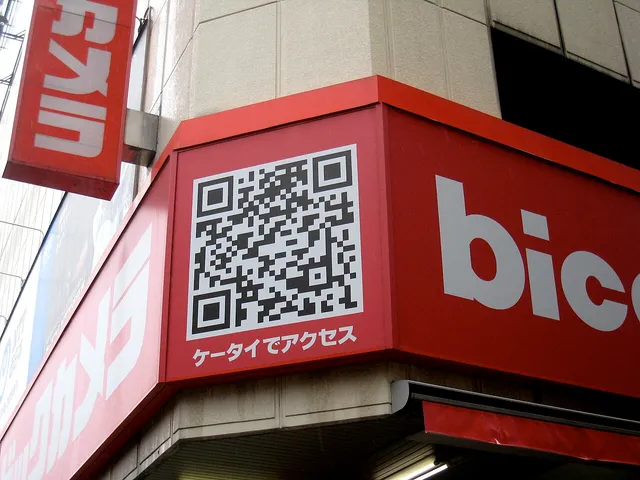
The minimum size for a scannable QR code depends on scanning distance, how much data it holds and print quality. Use these rules of thumb and test.